Quick Answer
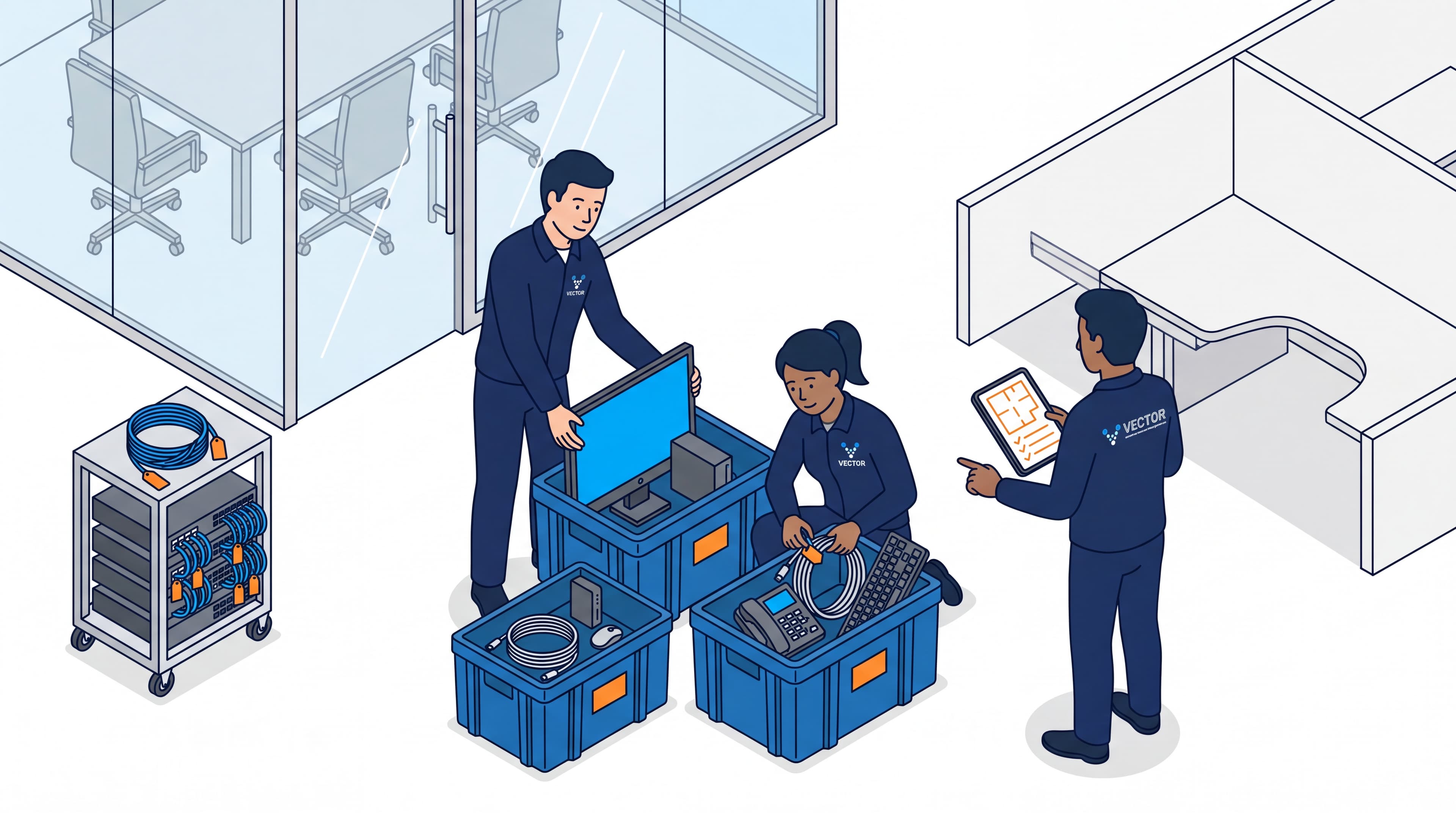
An IT equipment disconnect and reconnect checklist helps a business label, document, pack, move, reconnect, and test computers, monitors, phones, network gear, servers, cables, and accessories during an office move.
For most companies, IT should not be treated as a last-minute moving task. Vector Installation Services helps Southern California businesses coordinate office moving, IT disconnect and reconnect, structured cabling, and project management so the technology side of the move does not slow down the relocation.
Why IT Disconnect and Reconnect Matters During an Office Move
Office furniture can usually be seen, counted, and moved by zone. IT equipment is different. Cables, adapters, docking stations, phones, power supplies, monitors, switches, and desktop setups can look similar but belong to different users, rooms, or departments.
If the disconnect is rushed, employees may arrive at the new office without working monitors, phones, network access, conference room systems, or the correct accessories. A good checklist turns the technology portion of the relocation into a controlled process instead of a scramble.
What an IT Equipment Disconnect Reconnect Service Includes
An IT equipment disconnect reconnect service usually covers the physical handling and coordination of workplace technology. The exact scope depends on the business, the IT vendor, and the complexity of the move.
| Task | What it means | Why it matters |
|---|---|---|
| Device inventory | Count and document computers, monitors, phones, printers, and accessories. | Prevents missing equipment. |
| Labeling | Tag each device, cable, box, and workstation location. | Makes reconnect faster. |
| Cable organization | Bundle, bag, and label cables by user or device. | Reduces setup confusion. |
| Disconnect support | Safely unplug and prepare devices for transport. | Protects equipment. |
| Packing coordination | Pack IT items separately from general office contents. | Keeps fragile devices protected. |
| Destination mapping | Match equipment to the new floor plan. | Reduces desk setup errors. |
| Reconnect support | Reconnect monitors, docks, phones, and peripherals. | Helps employees return to work. |
| Post-move testing | Confirm power, network, monitors, phones, and peripherals work. | Finds problems before staff arrives. |
Vector is not replacing your internal IT department. The goal is to support the physical relocation side, coordinate with your IT team, and keep equipment moving safely from the old space to the new one.
Pre-Move IT Checklist
1. Build an IT Inventory
Create a list of all equipment that needs to move. Include:
- Desktop computers.
- Laptops and docking stations.
- Monitors and monitor arms.
- Desk phones.
- Keyboards and mice.
- Printers and scanners.
- Conference room equipment.
- Network switches and routers.
- Server room equipment.
- UPS units and backup batteries.
- Power supplies, adapters, and specialty cables.
For larger offices, organize the inventory by department, employee, workstation number, room, or move phase.
2. Confirm What Is Moving and What Is Not
Not every piece of equipment should move. Before disconnect day, decide what will be relocated, replaced, recycled, stored, or left for a separate vendor. Moving unnecessary equipment adds time, cost, and confusion.
3. Coordinate With Your IT Team
Your internal IT team or IT vendor should confirm what can be unplugged by the move crew, what must be handled only by IT, whether systems need backups, which devices require special packing, and who will reconnect and test each system at the destination.
For complex network rooms, use a separate server room relocation checklist or dedicated IT move plan.
4. Confirm the New Office Is Ready
Before equipment is moved, verify power outlets, network drops, desk locations, conference rooms, server rooms, building access, loading docks, and after-hours security procedures. If the new office is not ready, technology setup becomes delayed even if the moving crew finishes on time.
Disconnect Day Checklist
Disconnect day should be organized by workstation, room, or department.
- Photograph desk setups before disconnecting equipment.
- Label each device with employee name, department, or workstation number.
- Label each cable bundle.
- Bag small accessories separately.
- Keep power supplies with their matching devices.
- Remove monitor arms carefully if they are moving.
- Pack monitors with screen protection.
- Separate IT crates from general office crates.
- Mark fragile equipment clearly.
- Confirm each desk is cleared before furniture is moved.
- Keep critical network gear under IT supervision.
The biggest mistake is mixing cables, peripherals, and devices from multiple users into one unmarked crate. That saves a few minutes during packing but can cost hours during reconnect.
Reconnect Day Checklist
At the new office, reconnect should follow the floor plan and priority order.
- Network and internet access.
- Server or network room equipment.
- Reception and front desk technology.
- Department workstations.
- Conference rooms.
- Printers and shared equipment.
- Individual accessories and final adjustments.
For each workstation, confirm the correct computer, monitors, docking station, keyboard, mouse, phone, power supply, network access, and login support are ready. For conference rooms, test screens, cameras, microphones, speakers, remotes, and connection cables before meetings resume.
How to Reduce Downtime During an Office IT Move
The best office IT moves are planned backward from the first workday in the new office. The better question is not only when the equipment can move, but what must be working before employees arrive.
- Move critical infrastructure before employee workstations when possible.
- Use a clear workstation numbering system.
- Schedule disconnect and reconnect in phases.
- Keep IT, facilities, and the moving crew on the same timeline.
- Confirm building access for evenings or weekends.
- Use separate crates for IT equipment.
- Test high-priority users first.
- Keep spare cables, adapters, and power strips available.
If your relocation includes furniture installation, cubicle setup, and technology setup, coordinate the IT plan with the full office moving checklist. Workstations cannot be reconnected until furniture is placed correctly.
Common IT Move Mistakes
| Mistake | Result | Better approach |
|---|---|---|
| No labeling system | Equipment arrives but cannot be matched to users. | Label by employee, department, and destination desk. |
| Packing cables loose | Reconnect takes longer. | Bag and tag cables by device. |
| Moving IT before furniture is ready | Equipment sits in the way. | Sequence furniture, cabling, then reconnect. |
| Ignoring conference rooms | Meetings fail after move-in. | Test AV rooms before staff returns. |
| No testing window | Problems are found by employees. | Schedule post-move validation. |
| Treating servers like regular boxes | Higher risk of damage or delay. | Use a specific server room plan. |
Questions to Ask Before Hiring Help
Before hiring an IT equipment disconnect reconnect service, ask:
- Do you coordinate with our IT vendor?
- Do you label equipment by user and destination location?
- Can you work after-hours or over a weekend?
- How do you protect monitors and fragile equipment?
- Do you separate IT crates from general moving crates?
- Can you support furniture, moving, and technology sequencing?
- What items are outside your scope?
- Who is responsible for final network and login testing?
The last question matters. A moving and installation company can handle the physical relocation, but final system access may still require your IT team or managed service provider.
FAQs About IT Equipment Disconnect and Reconnect
What is an IT equipment disconnect and reconnect service?
An IT equipment disconnect and reconnect service helps businesses prepare workplace technology for a move, physically disconnect devices, label equipment, pack accessories, move technology safely, reconnect workstations, and support basic post-move testing.
Who should disconnect computers during an office move?
For standard workstations, a trained relocation crew can often help with physical disconnect and packing when the process is coordinated with IT. Servers, network equipment, security systems, and specialized devices should be handled or supervised by qualified IT personnel.
How early should IT planning start before an office move?
For a small office, start IT planning at least several weeks before the move. For larger offices, multi-floor relocations, server rooms, or structured cabling work, planning should start months in advance.
Should every cable be labeled?
Yes. Cables, adapters, power supplies, docking stations, phones, monitors, and peripherals should be labeled or grouped by user, room, or workstation. This reduces reconnect time and prevents missing accessories.
Can office furniture installation affect IT reconnect?
Yes. IT reconnect depends on desks, cubicles, monitor arms, power access, cable pathways, and network drops being ready. Furniture installation, structured cabling, and technology reconnect should be scheduled together.
Does Vector handle IT disconnect and reconnect in Southern California?
Yes. Vector Installation Services supports commercial office moves with IT disconnect and reconnect coordination, office furniture installation, structured cabling coordination, project management, and move-day logistics across Southern California.
Plan Your Office IT Move With Vector
IT equipment is one of the easiest parts of an office move to underestimate. A clear disconnect and reconnect checklist protects equipment, reduces confusion, and helps employees return to work faster after the move.
Vector Installation Services helps businesses coordinate the physical moving, furniture installation, IT disconnect and reconnect, structured cabling, and project management pieces of a commercial relocation.
Need help planning the move?
Coordinate IT, furniture, and move-day logistics with one experienced team.
Tell us what needs to move, what needs to reconnect, and when your team needs to be back online.
Get a Free Quote